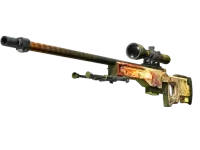
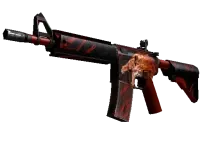
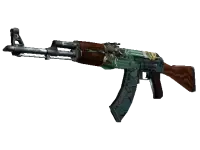
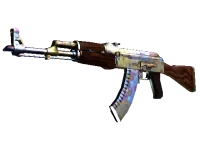

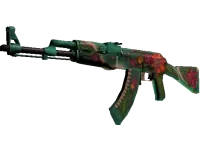
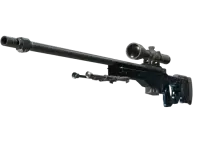
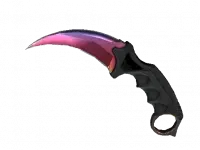
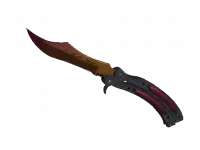


Want to understand Farmskins Upgrader, case battles or searches for crash and roulette? The documented choices centre on CS2 case opening, Farm Zone battles and the Upgrader, with Skin Changer and Bullet-based features offering different ways to use an inventory. They are not interchangeable: you might receive a random case item, compete for battle drops or put existing items towards a higher-value target. Crash and roulette are not described among the published modes. The UK Gambling Commission treats gambling with in-game items that have a money value as gambling. Chance-based play is strictly 18+ and carries a house edge. Start by comparing what you commit, how outcomes are determined and what you can withdraw.
Opens https://farmskins.com/; this independent guide does not confirm UK licensing or availability.
Links to the official site are independent and earn no commission. →
Compare what each mode actually does
The useful starting point is the transaction, not the animation. Case opening buys a random result from a defined pool. Farm Zone adds competition between users opening identical cases. The Upgrader uses inventory items toward a selected target, while Skin Changer is described as a swap. Farmskins supports CS2 items; do not assume that a familiar mode name means Dota 2, Rust or TF2 inventories are accepted. See the supported-games guide for that distinction.
| Mode or feature | What you use | What changes or comes back | Main distinction |
|---|---|---|---|
| Standard cases | Balance, or Bullets where permitted | An item from the case's predefined pool | Random item selection rather than a chosen skin |
| Ultimate Mode | The eligible case's displayed payment option | A result from a potentially smaller pool | Optional case setting; price and Bullet accrual may change |
| Farm Zone | Participation in a battle using identical cases | Battle drops allocated under the applicable settlement rules | Competitive opening for 2–4 users |
| Upgrader | Input items and optionally Bullets | A higher-value target on success; a skin on failure | The failed-attempt skin has no assured value |
| Skin Changer | An inventory skin | A replacement skin, with the difference settled in Bullets | An exchange feature, not the Upgrader |
| Gaben's Store | Bullets only | Cases, skins or balance cards | A store rather than a single universal game |
| Warehouse | Bullets | A random skin | The received item is not selected in advance |
| Pick'em | Crystals | Participation in esports predictions | A separate prediction feature |
| Daily Bonus | Eligibility under its deposit-linked level system | A daily case | Progression conditions matter |
Choose according to the experience you actually want. If your aim is a particular appearance, understand the exchange and target-selection features before choosing a random pool. If you want competitive opening, read Farm Zone's settlement details first. None of these choices turns chance-based spending into predictable item value.
Standard cases: understand the pool before opening
A standard Farmskins case contains a predefined selection of CS2 items. Opening it spends balance, or Bullets where the case permits, and produces an item from that selection. The featured item on a case image is not a statement about your likely result. Published homepage listings include Mil-Spec at $0.29 and Fortune at $888.88, illustrating why the selected case price matters more than the general label “case opening.” Check the live listing before committing. A lower-priced case can still consume a substantial budget through repeated openings; a higher-priced case does not remove the possibility of a disappointing result.
Ultimate Mode changes the case configuration
Ultimate Mode is optional on some cases, not a separate rule that automatically applies to every opening. Farmskins says the item pool may shrink, the price may fall and Bullet accrual may increase. Those changes must be considered together. A smaller pool does not by itself demonstrate a better outcome for the player: which items remain, their selection probabilities and the opening cost all matter. Compare the selected configuration rather than relying on the word “Ultimate.” If a particular skin interests you, check that it remains in the active pool after changing the setting.
- Check the current price and whether the opening uses balance or Bullets.
- Read the active item pool rather than judging the case by its cover image.
- When Ultimate Mode is offered, compare the pool, price and Bullet accrual before and after selecting it.
- Keep the opening cost separate from the displayed value of any possible result.
- Decide your spending boundary before opening, not after an unwanted item appears.
For a fuller explanation of case selection and opening, use the Farmskins cases guide. The distinction here is that standard opening resolves your own case, while Farm Zone can allocate items according to a competitive result.
Farm Zone battles: check how the winner is settled
Farm Zone is Farmskins' case-battle feature. Its battle page describes matches for 2, 3 or 4 users, with up to 30 cases and each case representing a round. Participants open identical cases, so the contest is not simply about choosing a more expensive case than an opponent. Farmskins also identifies battle-only cases, including Bomby, Invisibility and Power of Beauty. A case restricted to Farm Zone should not be treated as an ordinary solo opening with an optional social display.
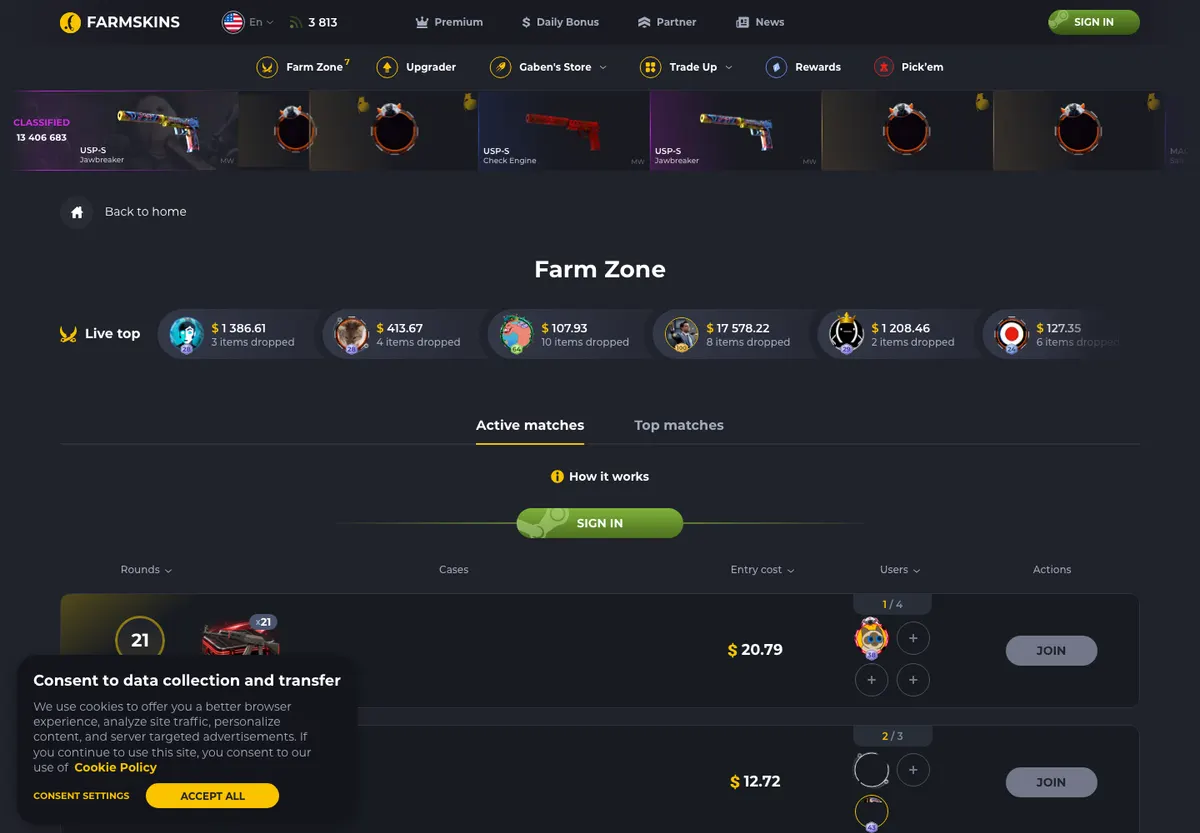
The terms and battle page describe different settlement scopes
| Published description | How it describes the winner | What to establish before entry |
|---|---|---|
| Farmskins terms | The highest total platform-valued result wins all items; losers may receive a consolation item. | Whether the selected battle settles across the full match and how its total is calculated. |
| Farm Zone battle page | The user with the most valuable skin wins all skins dropped in that round. | Whether drops are awarded separately after each case rather than only after the final round. |
These descriptions are not interchangeable. A player could lead in a particular round without having the highest combined result across a match. Do not merge the descriptions into an assumed hybrid rule. Read the selected battle's rules and result allocation before committing; if the settlement basis remains unclear, ask support rather than guessing. Also distinguish the platform's item valuation from an external market price. The terms describe a platform-valued contest, not a competition settled using whichever outside listing a participant prefers.
A practical battle-entry checklist
- Inspect the complete battleRead the participant count, case selection and full entry cost. Consider the whole match rather than mentally pricing only its opening round.
- Confirm the award ruleEstablish whether items are allocated per round or by the combined match result. Do not use the animation or an early lead as a substitute for the settlement rule.
- Check unresolved situationsFind the applicable explanation for ties, interruptions and an incomplete match. These are questions to resolve, not assumptions that a particular cancellation or refund option exists.
- Review the recorded resultAfter settlement, compare the credited items with the stated award rule. If something appears inconsistent, retain the battle reference and relevant screenshots for support.
Upgrader: distinguish the target from the fallback
The Farmskins Upgrader uses input items, optionally supplemented with Bullets, in an attempt to obtain a higher-value target skin. This is different from opening a case because you begin with existing inventory value and select the desired target. It is also different from Skin Changer: the target is an attempted outcome rather than simply the replacement side of a swap. Read the selected input and target details before confirming. Choosing an attractive target does not establish how likely it is to be received.
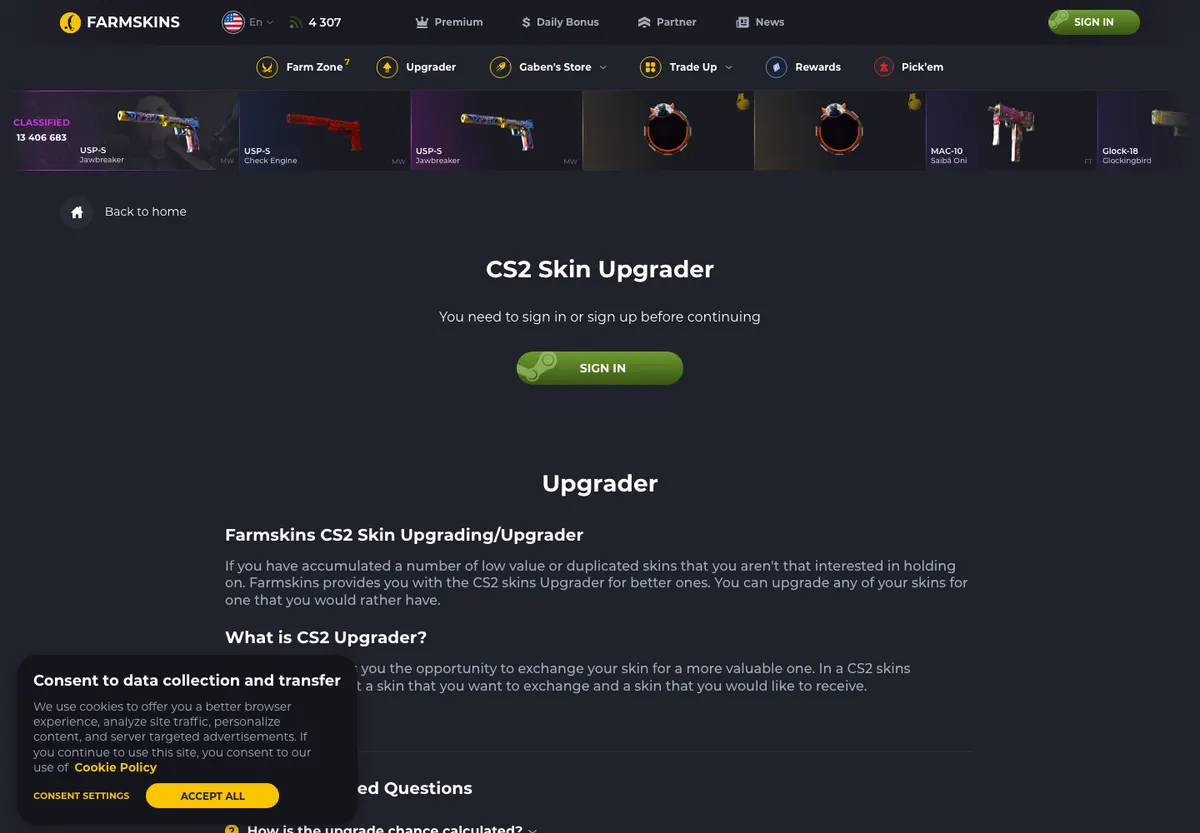
What happens when an upgrade fails?
Farmskins' terms say a failed upgrade still produces a skin, but its value is not assured. Separately, the Upgrader page displays an Upgrader Level feature with “up to 4%” value on a failed upgrade at level 1. Treat that as a qualified, level-specific description, not a fixed refund or protection of the submitted items. It does not promise cash, preserve the original inventory value or establish the rules for every other level. Before attempting an upgrade, distinguish the desired target, the displayed success information and the failed-attempt outcome. A fallback skin does not make repeated attempts a recovery strategy.
Judge the whole attempt, not just the target image
As general probability guidance, the difference between input value and target value is not enough to reconstruct an upgrade's true success chance. A platform's calculation can also depend on its valuation and game rules. Do not turn a simple price ratio into an assumed Farmskins probability. If success information is shown for the selected attempt, read it alongside the full input cost and failure conditions. Changing either the input selection or target means you should reassess the attempt instead of relying on an earlier preview.
- Check every selected input item and any Bullets included in the attempt.
- Confirm the target's exact item variant rather than relying on a similar thumbnail.
- Read the applicable Upgrader Level wording without extending it to other levels.
- Treat the failed-attempt skin as an uncertain result, not as repayment.
- Stop if you cannot explain what you are submitting and what each outcome means.
Opens https://farmskins.com/upgrade; this independent guide does not confirm UK licensing or availability.
Links to the official site are independent and earn no commission. →
Skin Changer, Gaben's Store and Warehouse
These features belong in a mode comparison because they change how inventory and Bullets are used. Their names should not obscure the key question: are you choosing the replacement, buying a listed product or receiving a random skin?
Skin Changer swaps an inventory item
Skin Changer is described as exchanging an inventory skin for another, with the value difference either paid in Bullets or returned as Bullets. That makes the quoted exchange and Bullet adjustment central to the decision. Do not interpret a Bullet credit as a cash refund, and do not confuse an exchange quote with an Upgrader success chance. For someone comparing appearances rather than seeking a chance-based target, the useful checks are the replacement item's identity, the item being surrendered and the direction of the Bullet adjustment.
Gaben's Store and Warehouse use Bullets differently
Gaben's Store accepts Bullets only and offers cases, skins and balance cards. Buying a listed skin is conceptually different from buying a case: a case still involves a later random opening. Warehouse, meanwhile, exchanges Bullets for a random skin. The currency alone therefore does not tell you whether the result is predetermined or random. Read the product type and confirmation details. Do not assume a store purchase, Warehouse exchange and Bullet-funded case share the same item pool or selection rules merely because all use Bullets.
Keep Bullet rewards separate from cash value
Farmskins states that cases bought with Balance receive 3% cashback in Bullets. The qualification matters: this is a platform-currency credit, not a return to your payment method. Bullets and Crystals have no cash value, cannot be transferred and are forfeited when an account is terminated. Balance credits are also not described as real money. Compare activities using their actual required currency and resulting product, rather than treating every displayed balance as interchangeable spending power. The fees and pricing guide explains these distinctions in more detail.
Daily Bonus and Pick'em have separate conditions
Daily Bonus is a daily case feature with a level system raised by depositing. Farmskins states that Skin2pay deposits do not raise that level and that level increases add seven additional days. The practical point is to read eligibility and duration separately from the case's contents. Do not deposit solely because a progress indicator is close to changing, and do not assume all deposit methods contribute identically. A daily-case feature also does not replace the account and withdrawal requirements that apply when an item is eventually requested.
Pick'em uses Crystals for esports-tournament predictions. Farmskins' terms describe this feature as not gambling; that is the operator's characterization, not a blanket legal conclusion for every location or every prediction product. Keep it distinct from case opening and upgrading: tournament knowledge relates to the subject being predicted, whereas selecting a CS2 case does not let you control its contents. Check the applicable event rules before participating and do not assume that Bullets, balance and Crystals can be substituted for one another.
Does Farmskins offer crash or roulette?
Crash and roulette are not among the modes described in Farmskins' published terms and mode information. Do not assume they are available because those words appear in a search query, comparison page or another skin site's navigation. The documented Farmskins choices are the case, battle, upgrade, exchange and related features explained above. A search result using a familiar game label is not evidence of a current official product.
For general context only, crash usually describes a chance game with a rising displayed multiplier that can stop before a player exits. Roulette generally involves staking on categories or outcomes selected by a wheel-like process. Neither description should be applied to Farmskins Upgrader or Farm Zone: a target attempt is not a crash exit, and a rotating case animation is not proof of roulette rules. Chance-based games are 18+ and carry a house edge regardless of the visual format. No timing pattern or sequence of previous results establishes a reliable advantage.
Separate odds, fairness and item valuation
These answer different questions. Odds describe how likely an outcome is. A fairness mechanism may let someone check how a result was generated. Valuation determines the platform's assigned worth of an item, which matters particularly in battles and upgrades. A convincing animation answers none of those questions on its own. Farmskins' FAQ says its algorithm selects an item, but its published terms and FAQ do not describe a seed-and-hash verification procedure. Do not treat an algorithm reference as equivalent to independently reproducible verification.
- Understand what a generic fairness check needsA typical provably-fair system commits to hidden seed data with a hash before play, then reveals the relevant data later. This is general technical context, not a claim about Farmskins.
- Look for reproducible instructionsMeaningful verification requires the published calculation and the inputs needed to recreate the result. A result identifier or a moving pointer alone is not sufficient.
- Keep verification separate from valueEven a reproducible random result would not establish favourable odds, remove a house edge or prove that the platform's item valuation matches an external market.
Use the provably-fair guide for the distinction between a general verification model and Farmskins' published explanations. When comparing modes, also avoid using a previous win, a long losing sequence or an attractive target as evidence about the next outcome. A spending limit remains useful whether the interface offers detailed probability information or only a basic description. If you cannot understand the applicable chance and settlement information, the practical next step is to pause rather than fill the uncertainty with an assumption.
Compare the exact CS2 item, not just its name
As general CS2 guidance, items sharing a weapon and finish name can differ in wear, float, pattern and special attributes. Wear describes the appearance condition associated with the float; rarity is a separate classification and does not tell you the probability of that skin appearing in a third-party case. These distinctions help explain why similar-looking input and target items may have different displayed values. Compare the full variant before upgrading, swapping or checking a battle result. Steam Community Market transactions use Steam Wallet funds, so a market listing is not itself a cash-withdrawal promise. See the glossary for the terminology.
After a result: item withdrawal is a separate step
Receiving a result in a Farmskins mode is not the same as receiving the item in Steam. Farmskins permits item withdrawal, not cash withdrawal, and requires a deposit before withdrawing items; its FAQ gives a normal minimum deposit of $4. The terms also prohibit third-party skin resale and real-money exchange. Do not evaluate a battle, upgrade or case as a cash-out route. Before spending on a mode, make sure you understand the account requirements for the item you ultimately want to receive.
- Prepare the Steam accountFarmskins requires a saved Trade URL, a Public Steam profile and inventory, and Steam Guard active for 15 days. Check these before relying on item delivery.
- Review the actual trade offerAs general Steam safety practice, inspect the counterparty and the items on both sides. A Trade URL helps route an offer; it does not replace checking what you are accepting.
- Distinguish delivery from Steam restrictionsFarmskins says items usually arrive by trade offer within 45 minutes, with delayed delivery taking up to 24 hours. A Steam trade hold is a separate restriction that can delay item delivery.
- Escalate a delivery problem with evidenceRecord the item, withdrawal status and relevant reference before contacting support. Avoid treating a second game attempt as a way to fix a delivery problem.
Steam's authenticator supports account security and trade confirmations, while trade holds give owners time to challenge fraudulent activity. Those general Steam protections are separate from a mode's result calculation. Never share a password, authenticator code or recovery information with someone offering to release a battle prize or upgrade target. For the full process, use deposit and withdrawal guidance; for suspicious offers, use the trade-safety checklist.
Resolve these mode-specific problems before retrying
| Situation | What to check | What not to assume |
|---|---|---|
| A case is unavailable for solo opening | Whether it is one of the cases restricted to Farm Zone. | That every case can be opened in every mode. |
| A battle award looks inconsistent | The selected battle's round-versus-match settlement rule and platform-valued results. | That the highest skin in a single round necessarily determines the whole match. |
| A failed upgrade returns an unexpected skin | The failed-attempt wording and the applicable Upgrader Level information. | That the fallback preserves the submitted value or represents a cash refund. |
| A Skin Changer quote includes a Bullet adjustment | Which item is being surrendered, which is received and the direction of the difference. | That an exchange uses the same mechanics as an upgrade attempt. |
| Daily Bonus progress does not change after a deposit | The deposit method; Farmskins excludes Skin2pay deposits from raising the level. | That all payment methods contribute to progression identically. |
| A mode result exists but the Steam item has not arrived | Withdrawal status, Trade URL, account visibility and Steam Guard eligibility. | That the result animation itself completed a Steam transfer. |
For an unresolved issue, contact support@farmskins.com or use the live chat or ticket channels described in the FAQ. Explain what you selected, what happened and which rule appears relevant. Include a battle or transaction reference where available, but do not include private authentication information. The support guide helps organize a useful request. Repeating the same action before understanding the first result can create additional spending or make the original sequence harder to explain.
Before choosing a mode: the short checklist
- Confirm that you are 18+ and eligible under the applicable location restrictions.
- Identify whether the action is a random opening, competitive battle, upgrade attempt, exchange or purchase.
- Check the full cost and distinguish balance, Bullets, Crystals and inventory items.
- For Farm Zone, resolve whether settlement applies per round or across the match.
- For Upgrader, read both the target and failed-attempt conditions.
- Check Steam withdrawal readiness before relying on receiving an item.
- Set a spending boundary and do not increase it to chase an unwanted result.
If losses, repeated attempts or progression rewards are driving the decision, step away from the mode selection screen. The responsible-play guide explains budgeting, warning signs and when to seek support. Understanding the rules helps you make an informed choice; it does not remove the house edge.
Farmskins game modes FAQ
No matching questions found.
Which game modes does Farmskins have?
How does the Farmskins Upgrader work?
What does the Upgrader's up to 4% wording mean?
How many players and cases can a Farm Zone battle have?
Does the Farm Zone winner take every item?
Does Farmskins have crash or roulette?
Is Skin Changer the same as Upgrader?
Are Farmskins modes provably fair?
Can I withdraw a battle or Upgrader result as cash?
Opens https://farmskins.com/casebattle/active. This independent guide does not confirm UK licensing or availability; the selected battle's costs and settlement rules are described for information only.
Links to the official site are independent and earn no commission. →
This independent guide is for informational purposes and is not affiliated with Farmskins.